

Enable a Pre-Approval
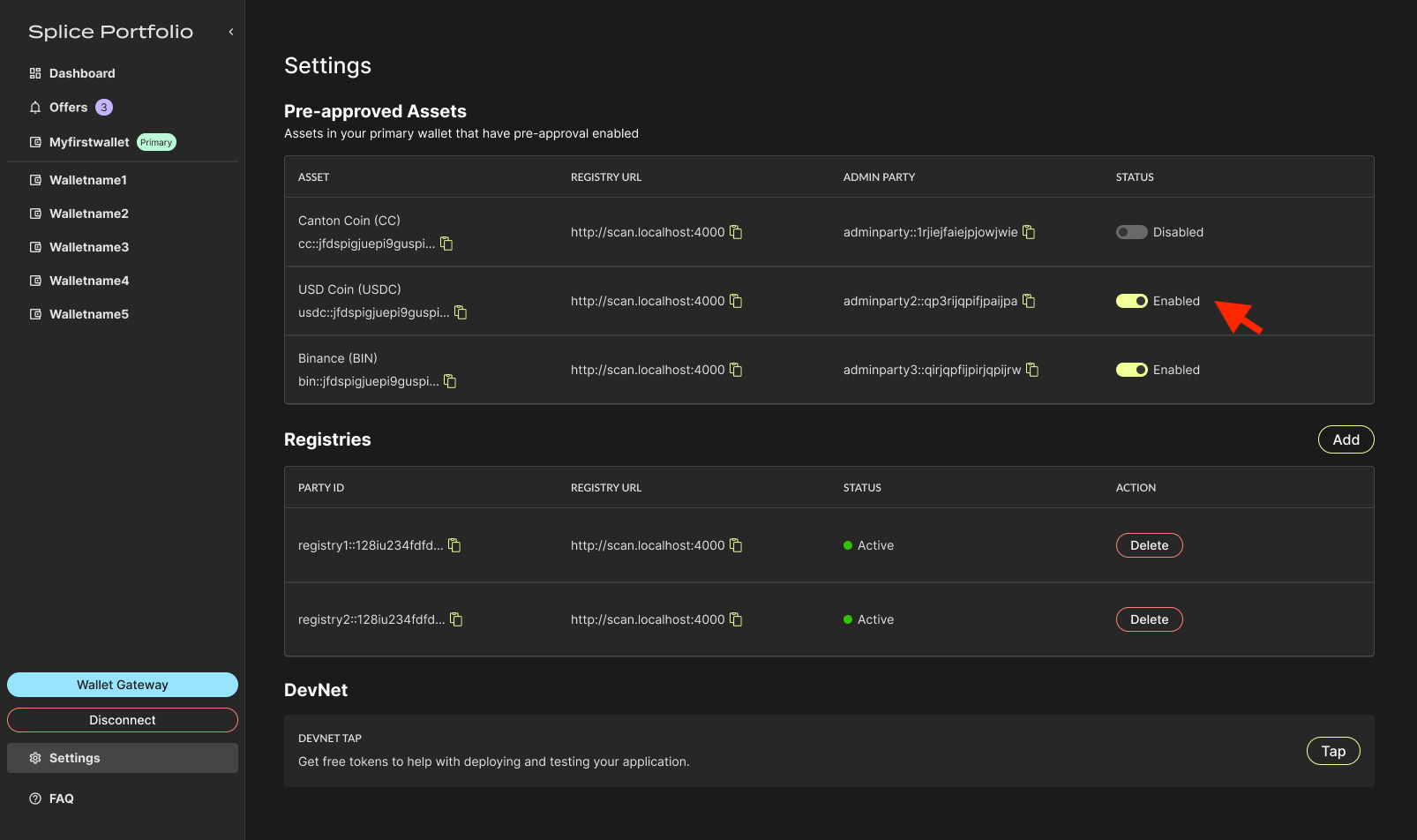
- Go to the Settings page and navigate to the Pre-Approvals section.
-
Toggle on pre-approval for the asset of your choosing.
- To complete this action, go to your CIP-103 wallet to complete signing.
Pre-approval contracts only apply to the primary party. See Switch Parties to change which party is primary.
Next Steps
- DevNet Faucet — Get test tokens to try a pre-approved transfer
- Transfers — See how pre-approval changes the transfer flow